Introduction
On April 22, 2026, OpenAI unexpectedly released the ChatGPT Images 2.0 model, which boasts significant improvements over the original image generation model. This new version enhances image accuracy, language support, resolution, and interaction methods, and even possesses reasoning capabilities.
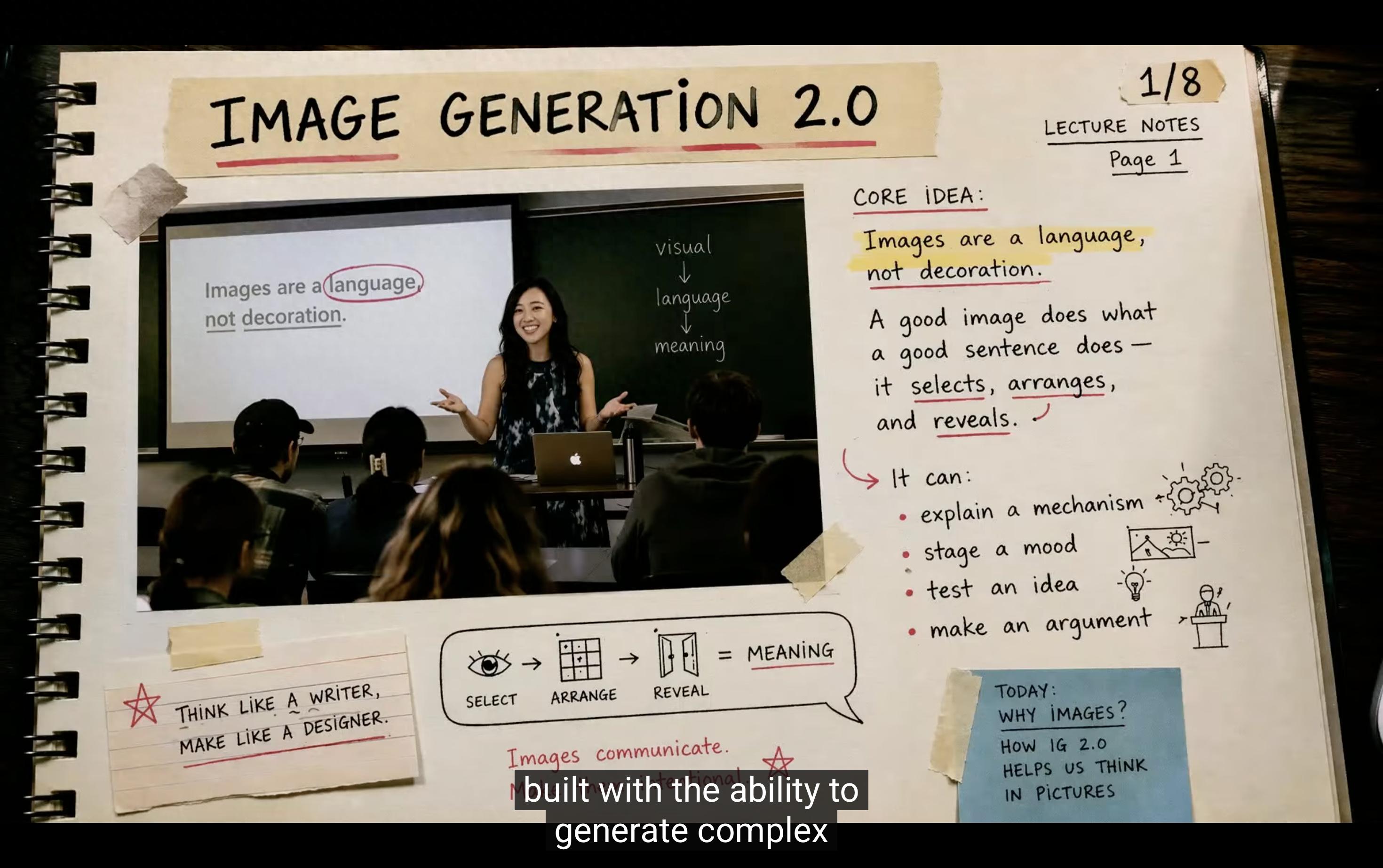
Features of Images 2.0
Images 2.0, now available in ChatGPT and the API, includes two models:
- Instant Model: Handles most daily tasks, such as creating logos, multilingual posters, and article illustrations.
- Thinking Model: Requires manual switching and can search for relevant information online, reasoning about the content before generating images, ensuring coherence in the output.
Practical Examples
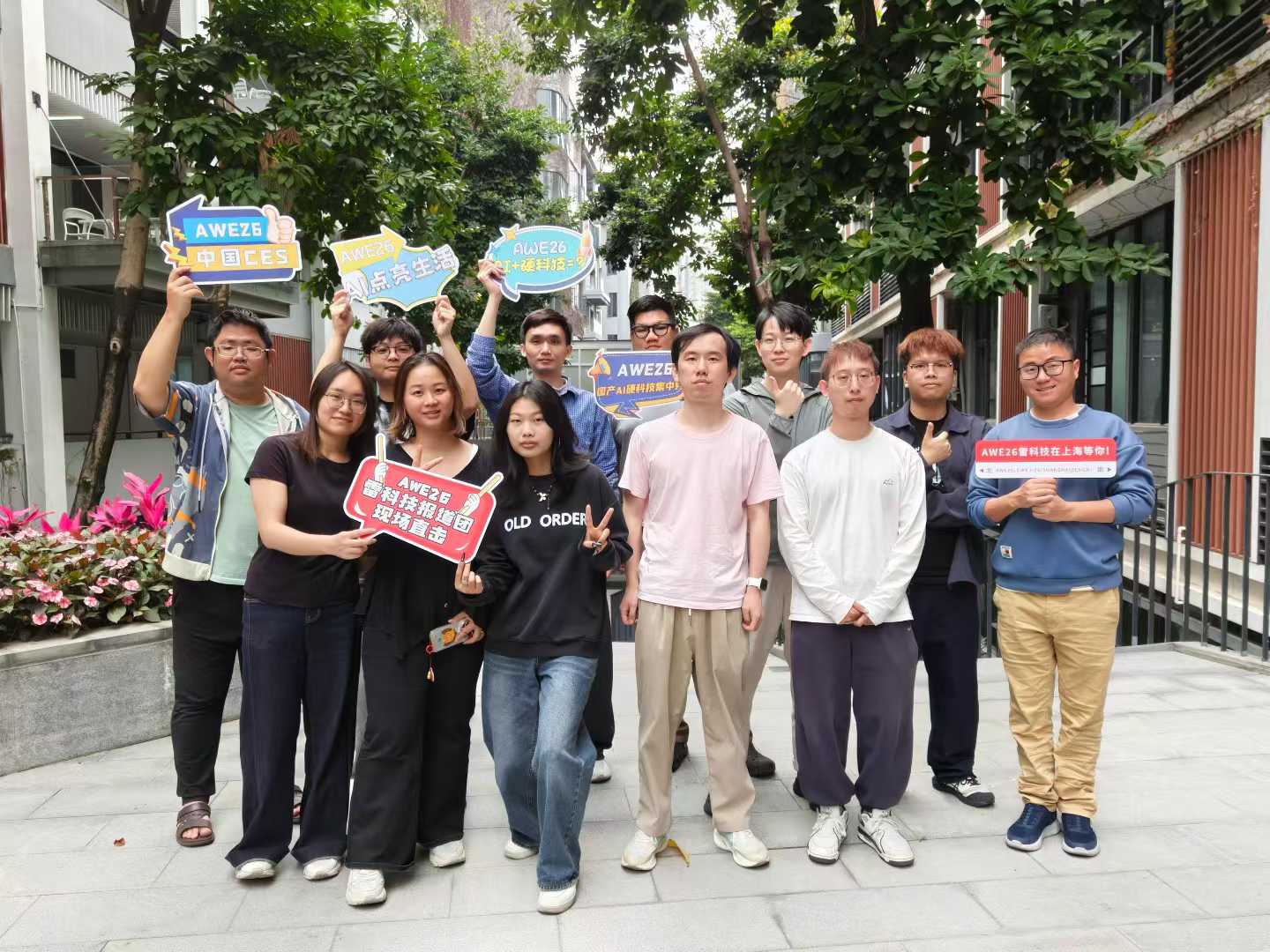
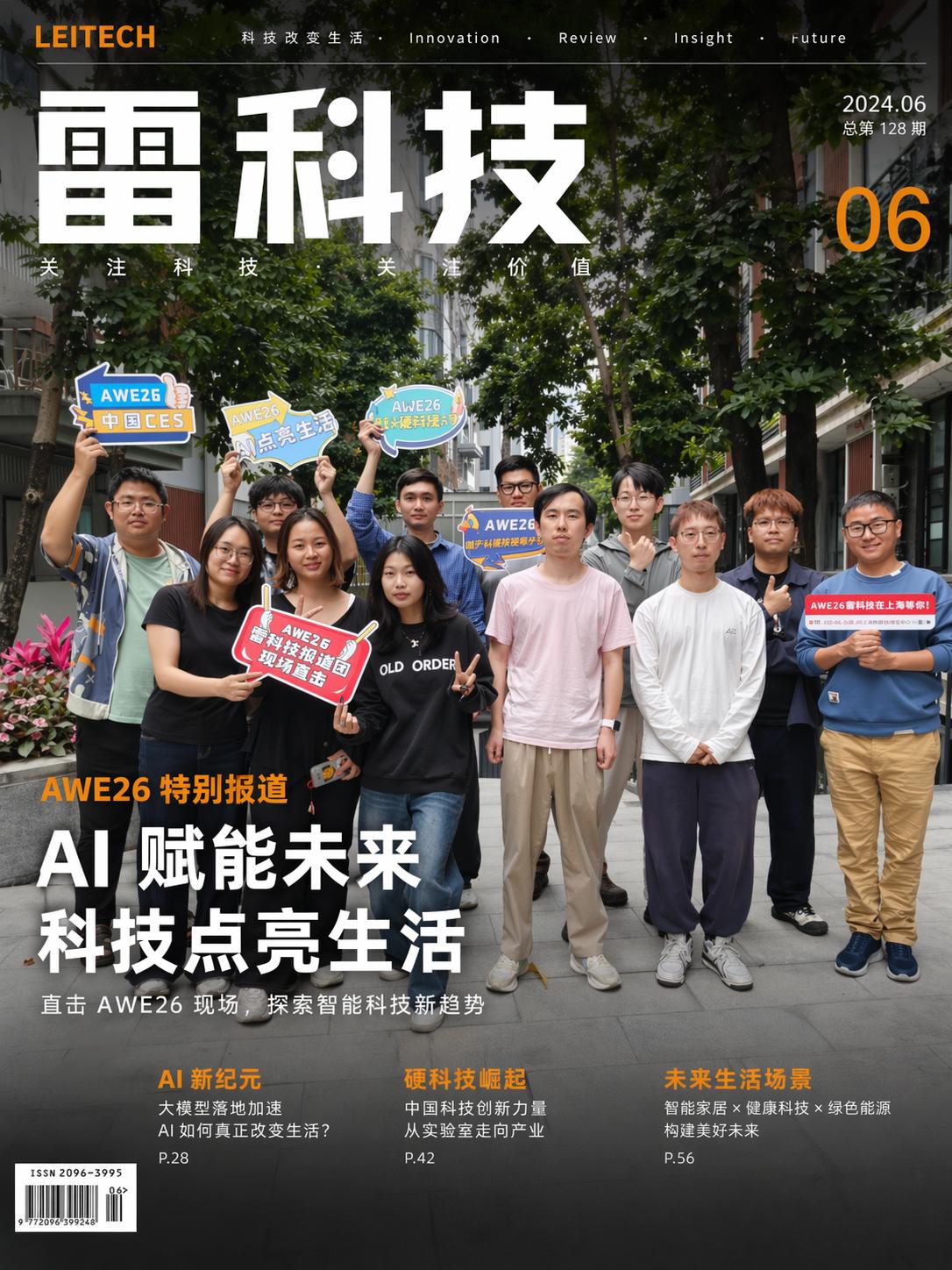
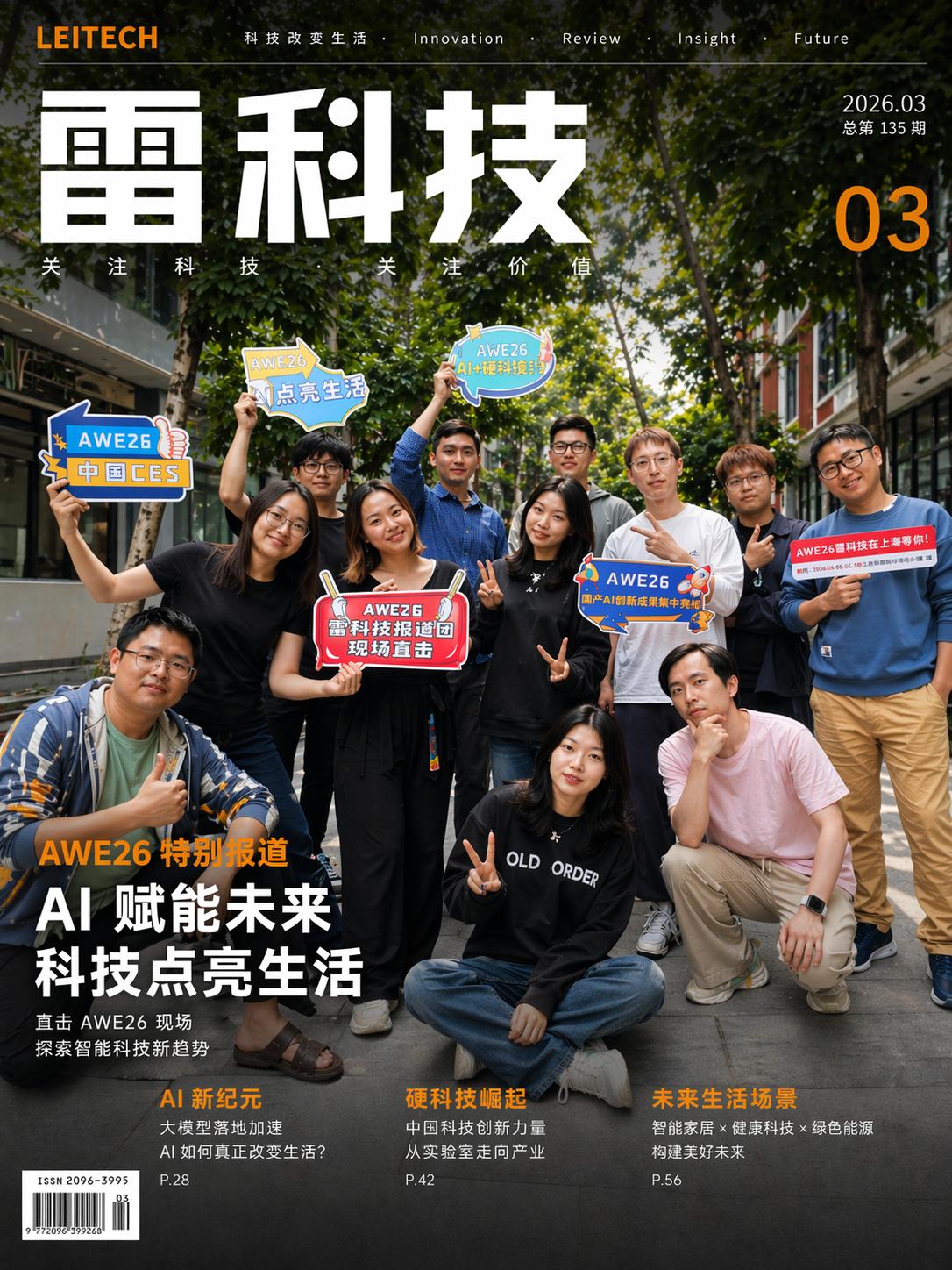
For instance, the AWE26 reporting team took a group photo, which was then used as a basis for creating a magazine cover. ChatGPT produced the cover in under a minute, accurately rendering even the Chinese text present in the image.
After providing vague prompts like “change the date to March 2026” and “alter the poses of the people,” ChatGPT successfully completed the task.
Similarly, when given an image of a smartphone, Images 2.0 could generate a usage scenario image directly.
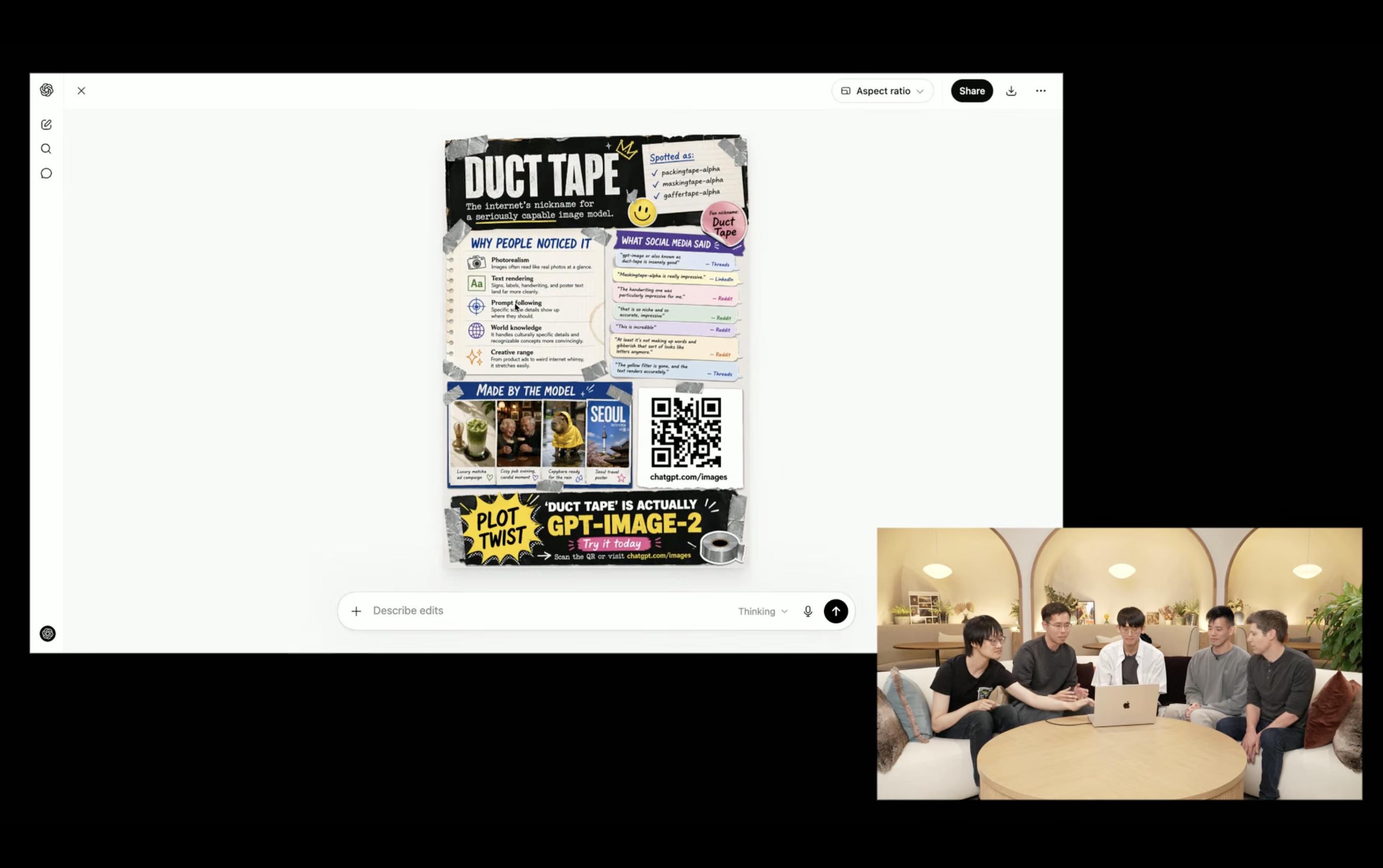
The new image viewing interface also introduces two features: users can select areas of an image to modify and choose the output aspect ratio directly, making it easier for content creators.
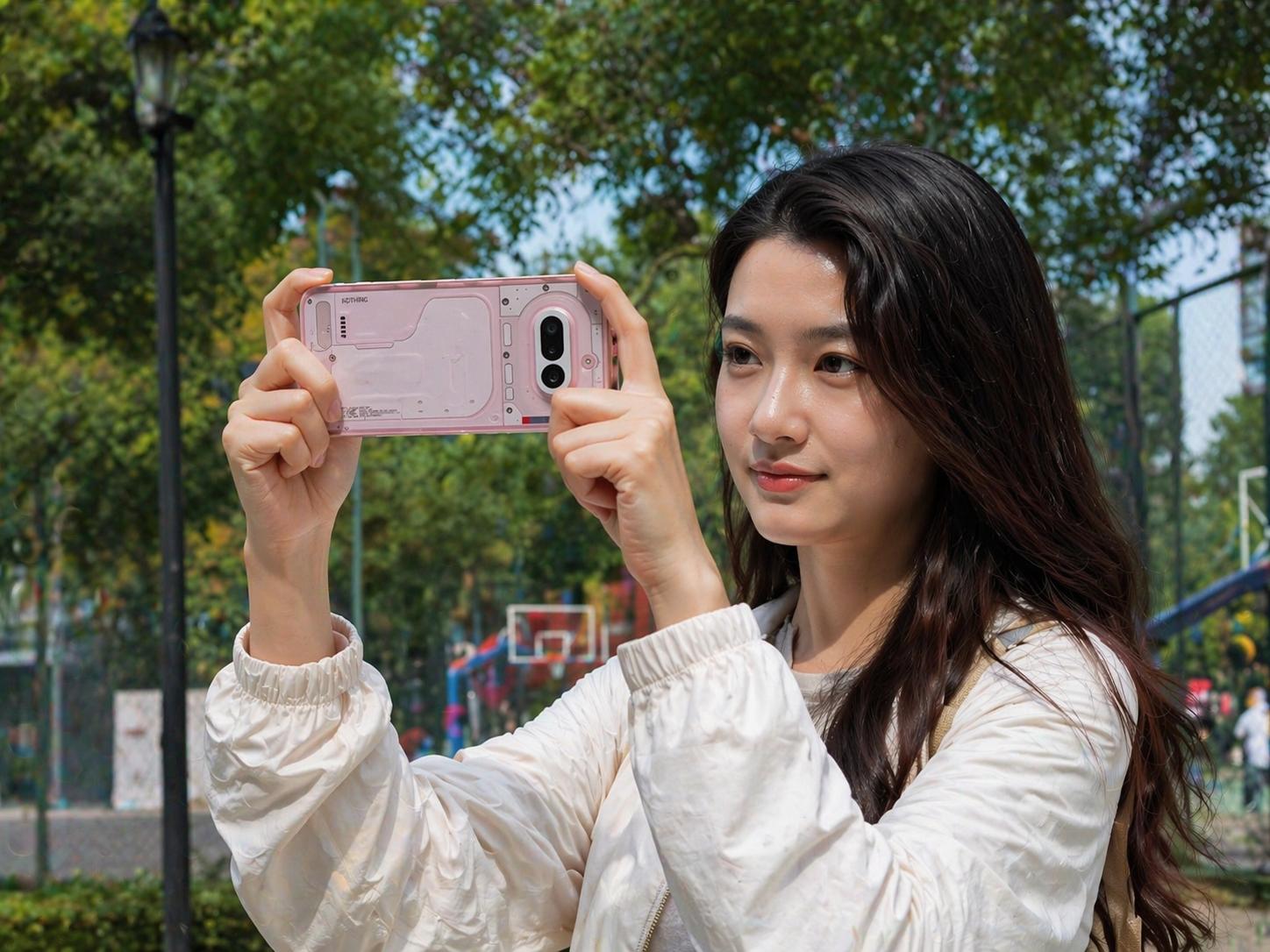
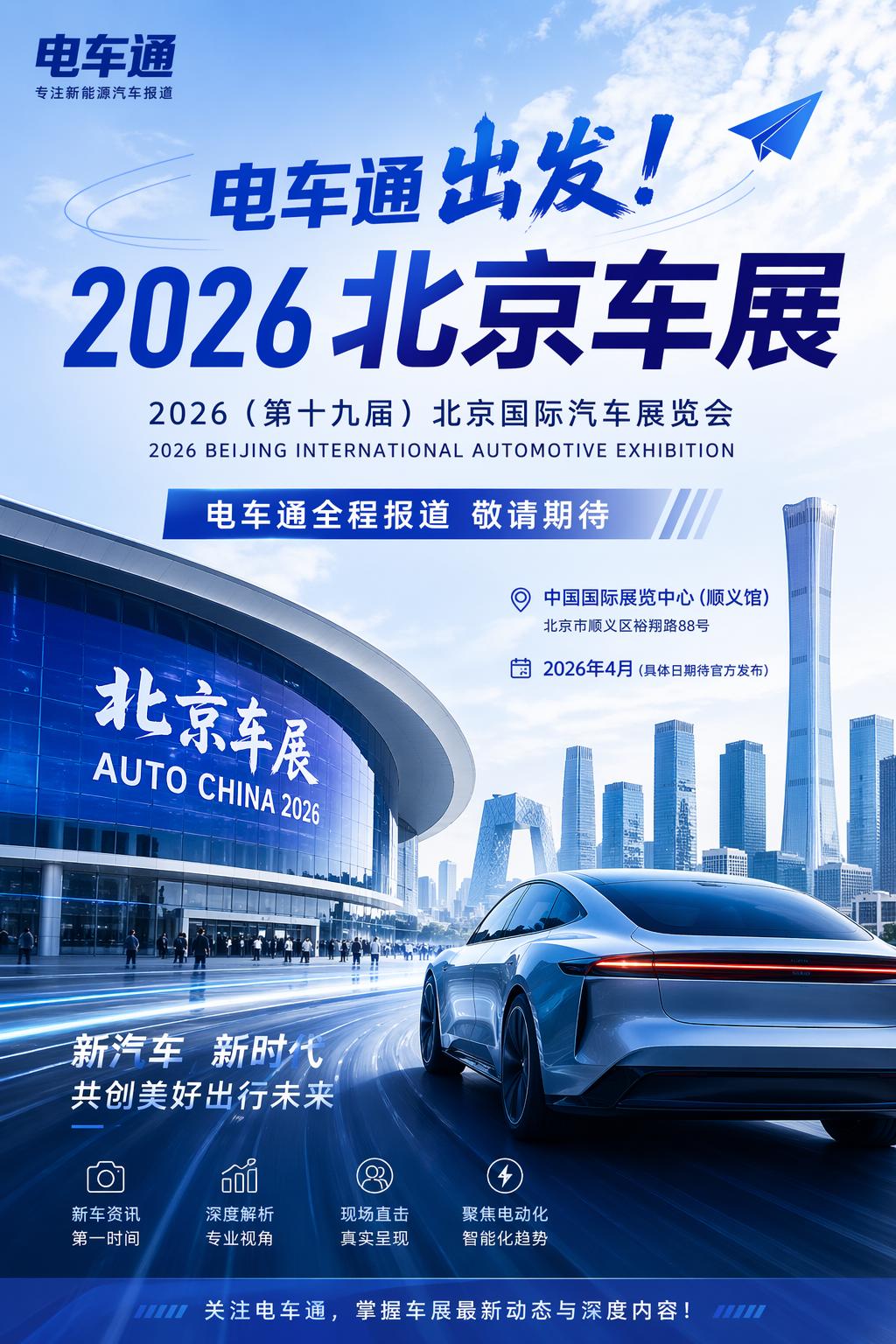
Images 2.0 has also improved its text-to-image capabilities. For example, just by providing the phrase “Electric vehicle news is about to report on the 2026 Beijing Auto Show,” Images 2.0 could gather relevant information and generate a correct poster.
Limitations
Despite its capabilities, there were challenges; for instance, while Images 2.0 can handle QR codes, attempts to embed recognizable QR codes in images were unsuccessful.
Advanced Capabilities
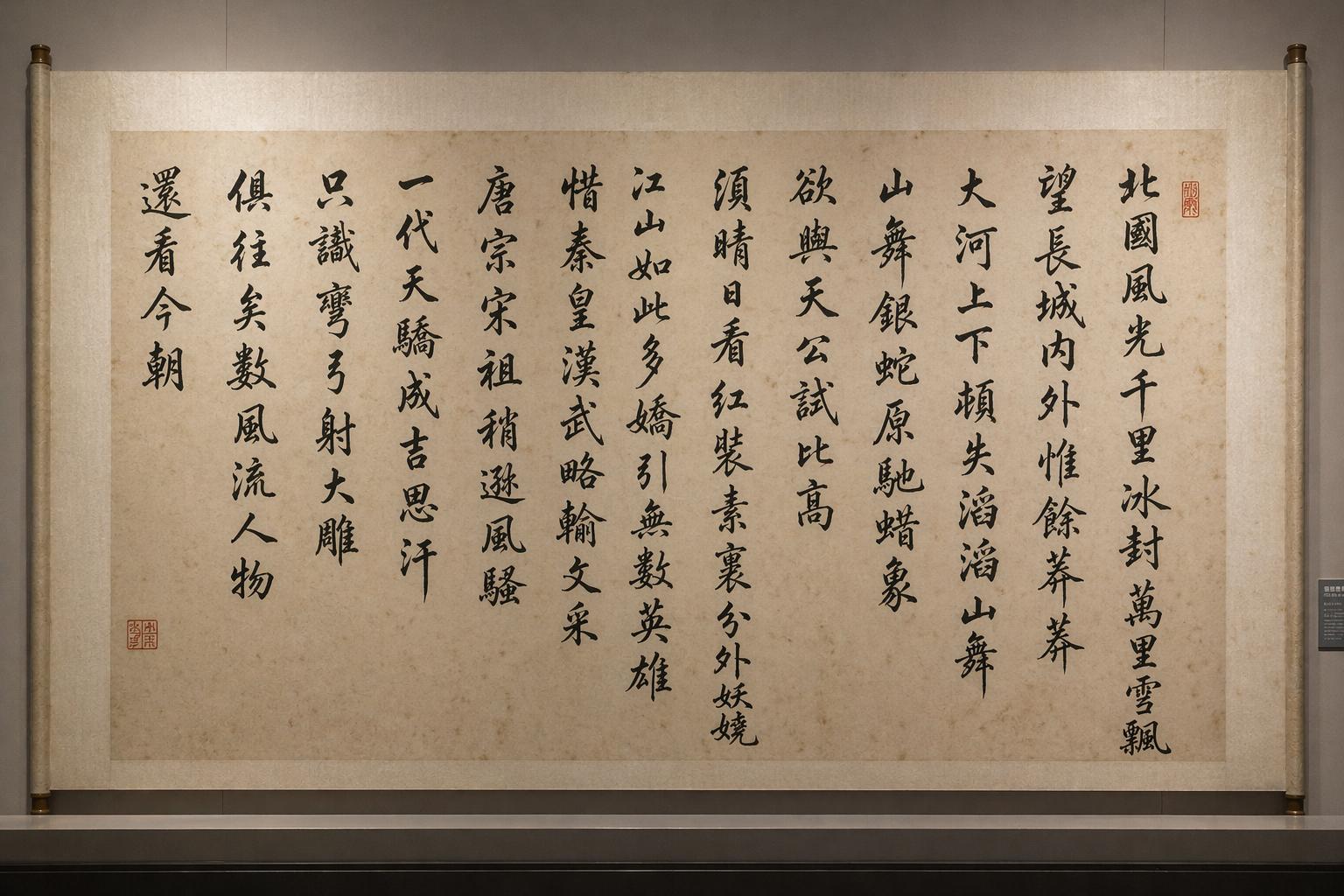
To test its limits, a complex prompt was given to generate a photo-style image of a calligraphy piece displayed in a museum. Although the output was satisfactory in terms of text rendering, the quality of the calligraphy felt more like a printed version than an authentic piece.
Thinking Model in Action
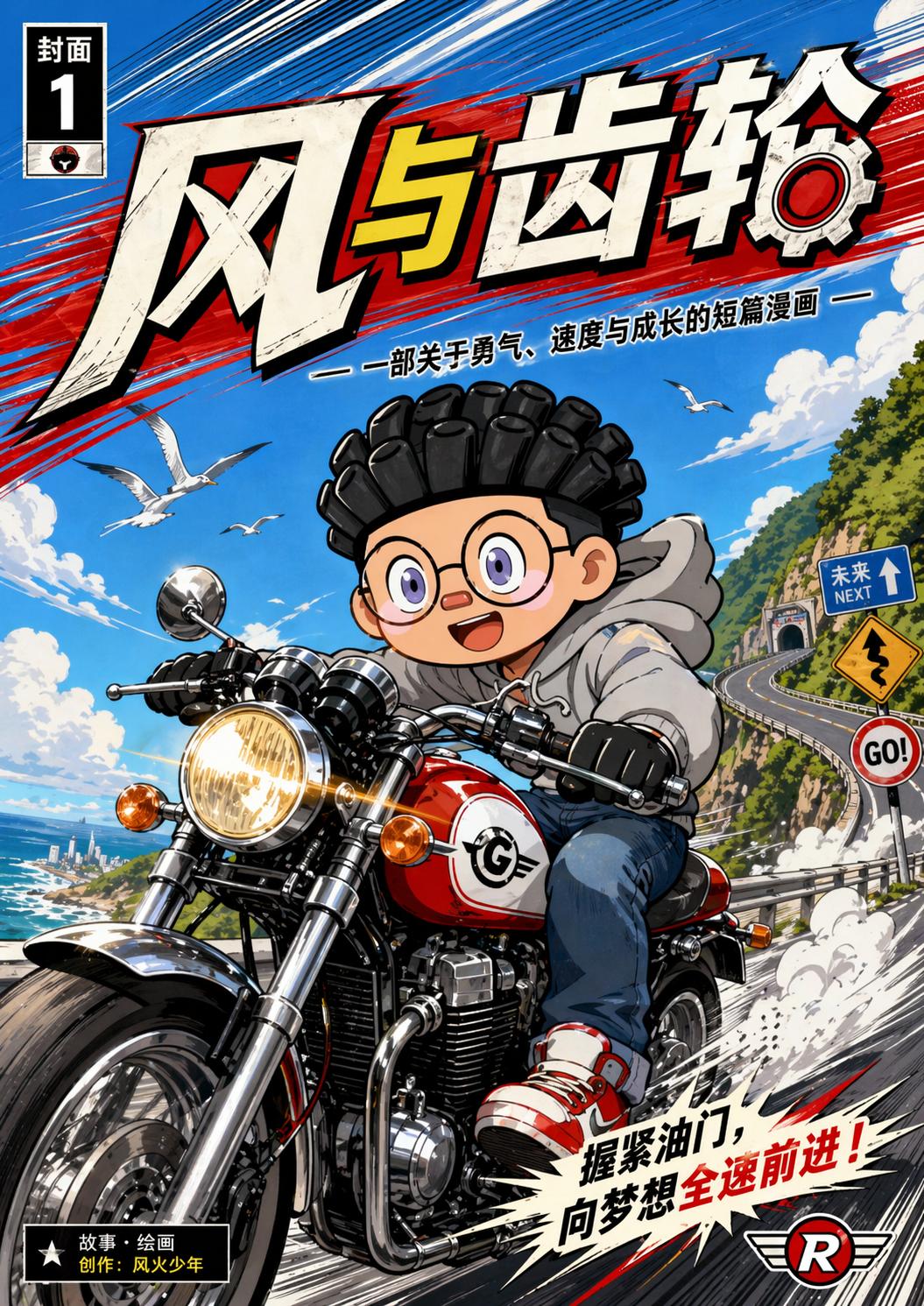
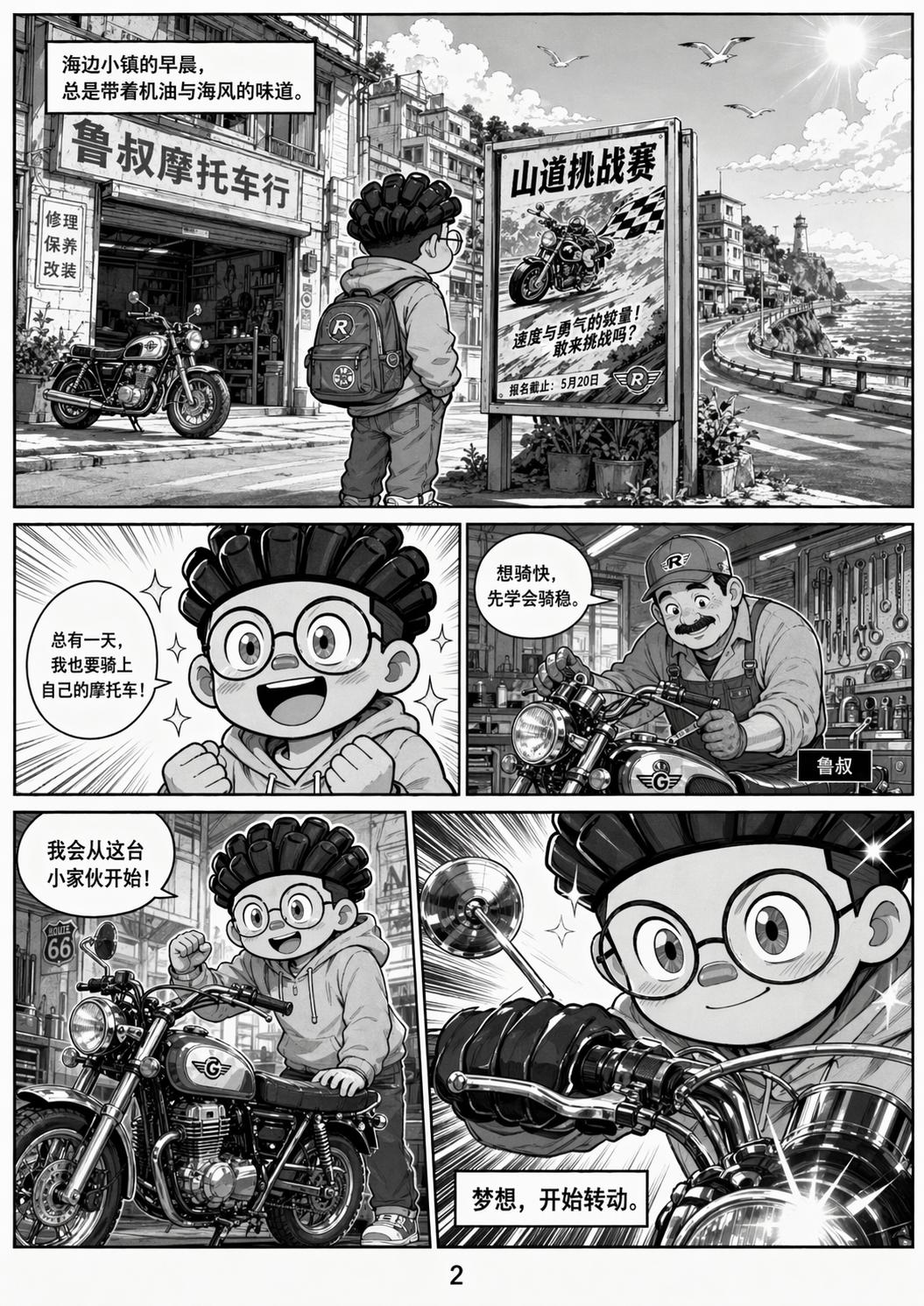
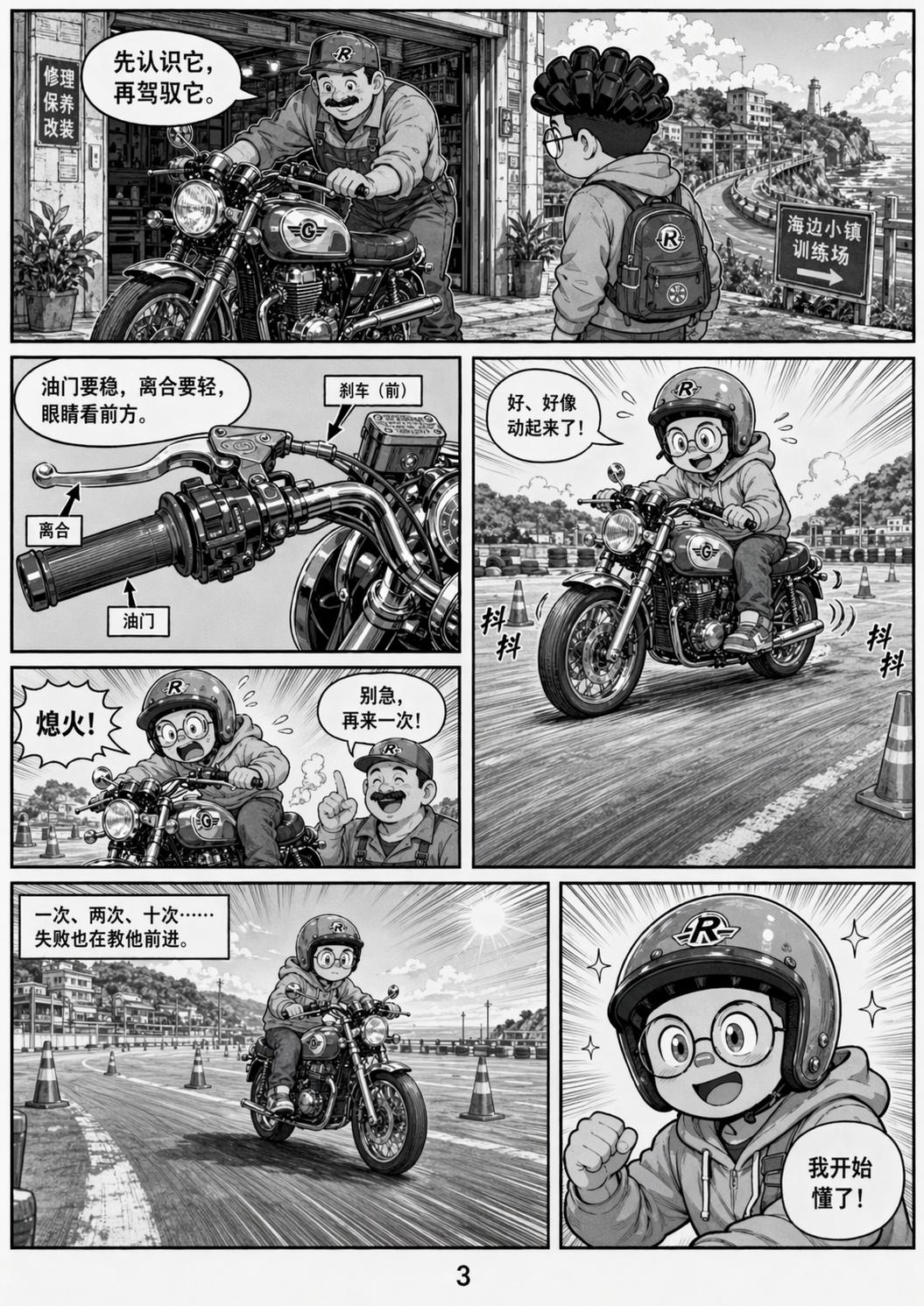
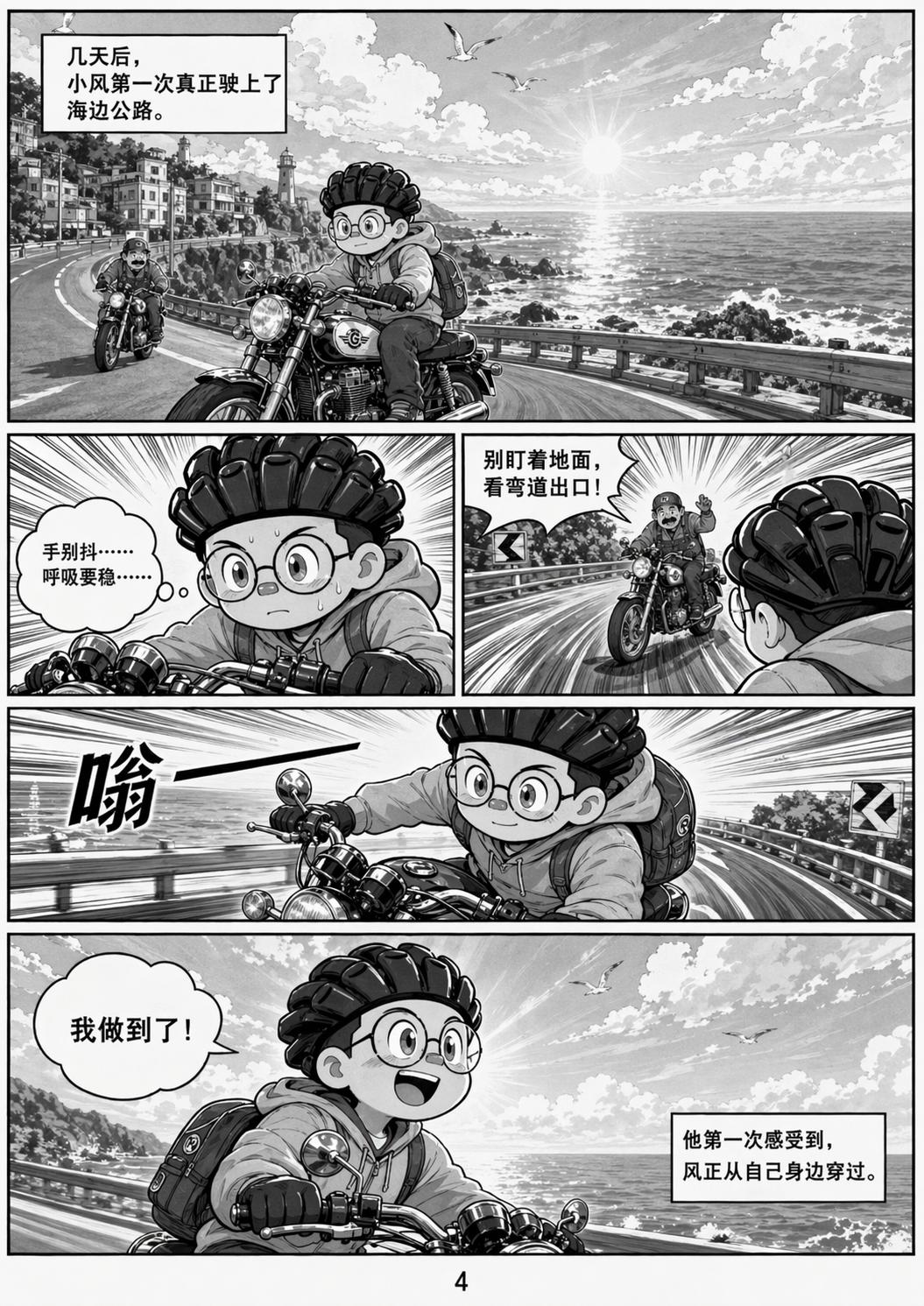
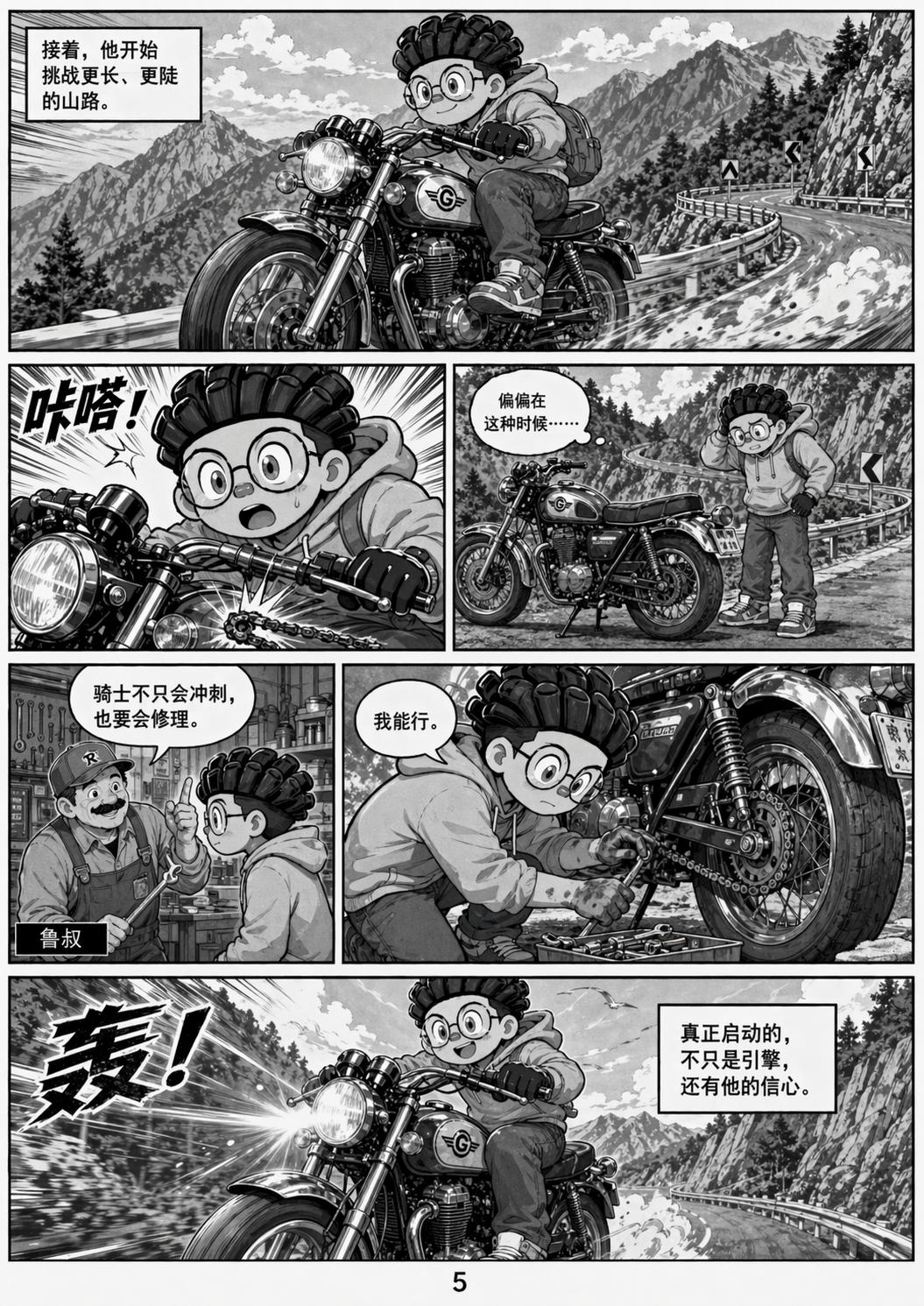
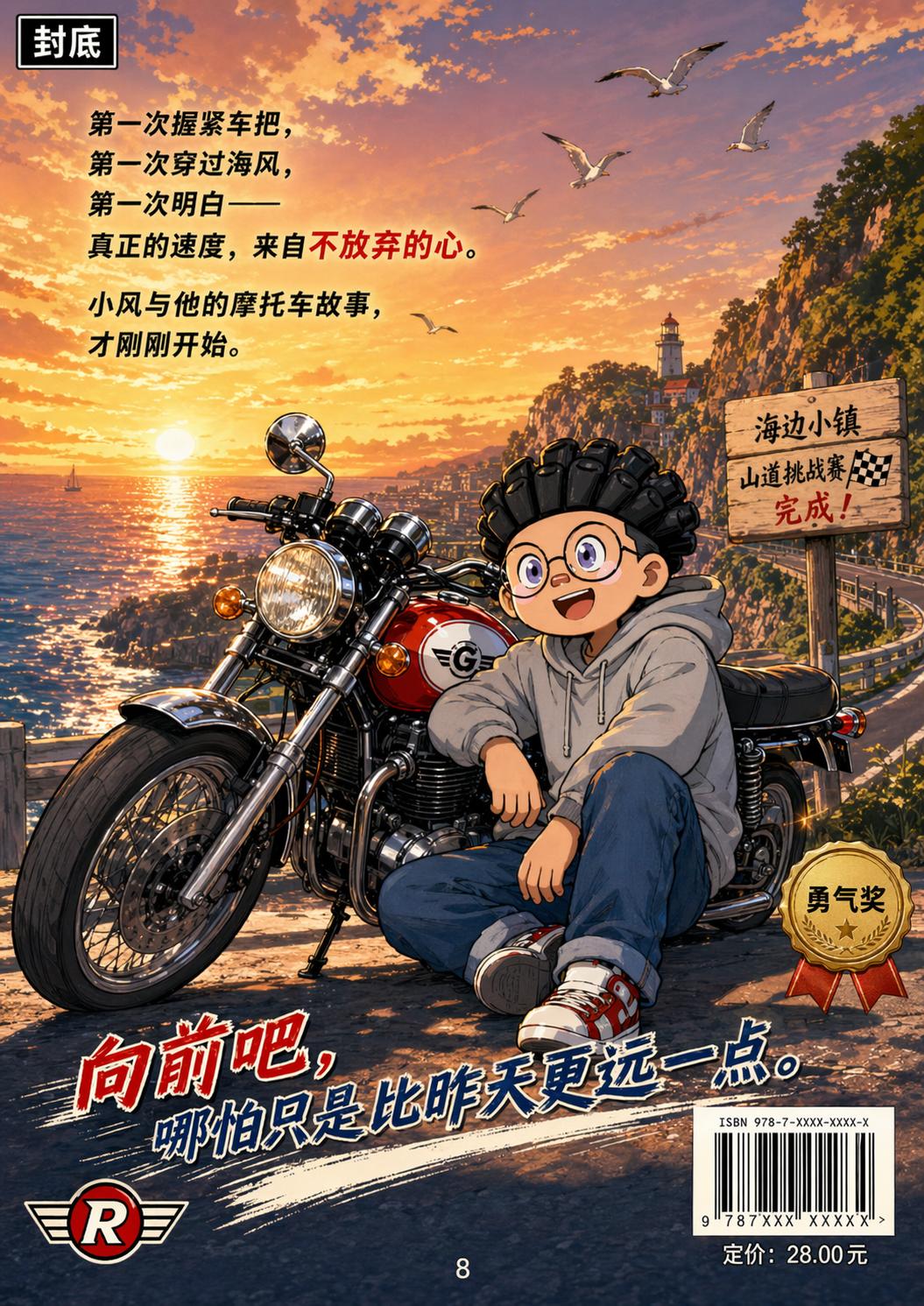
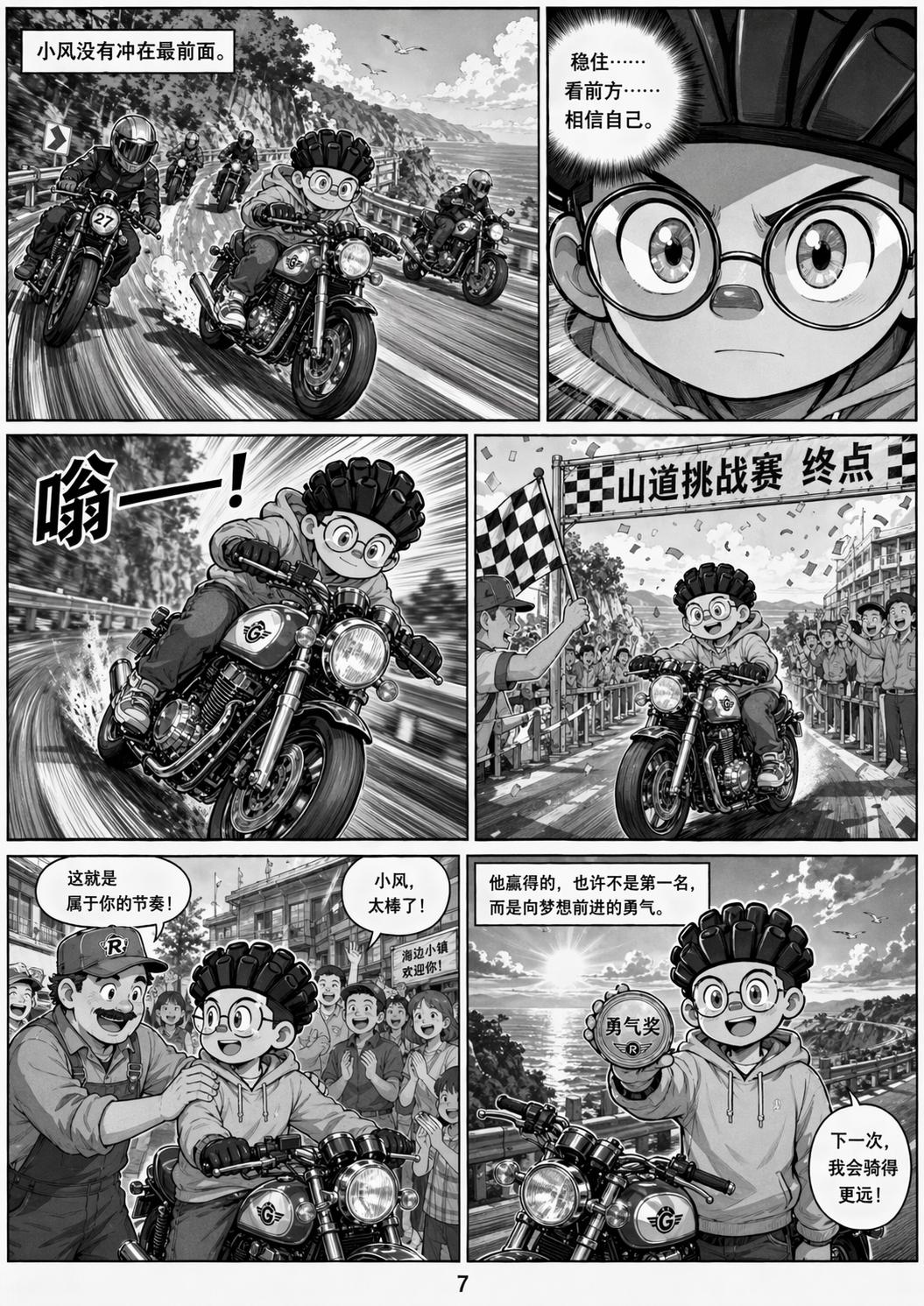
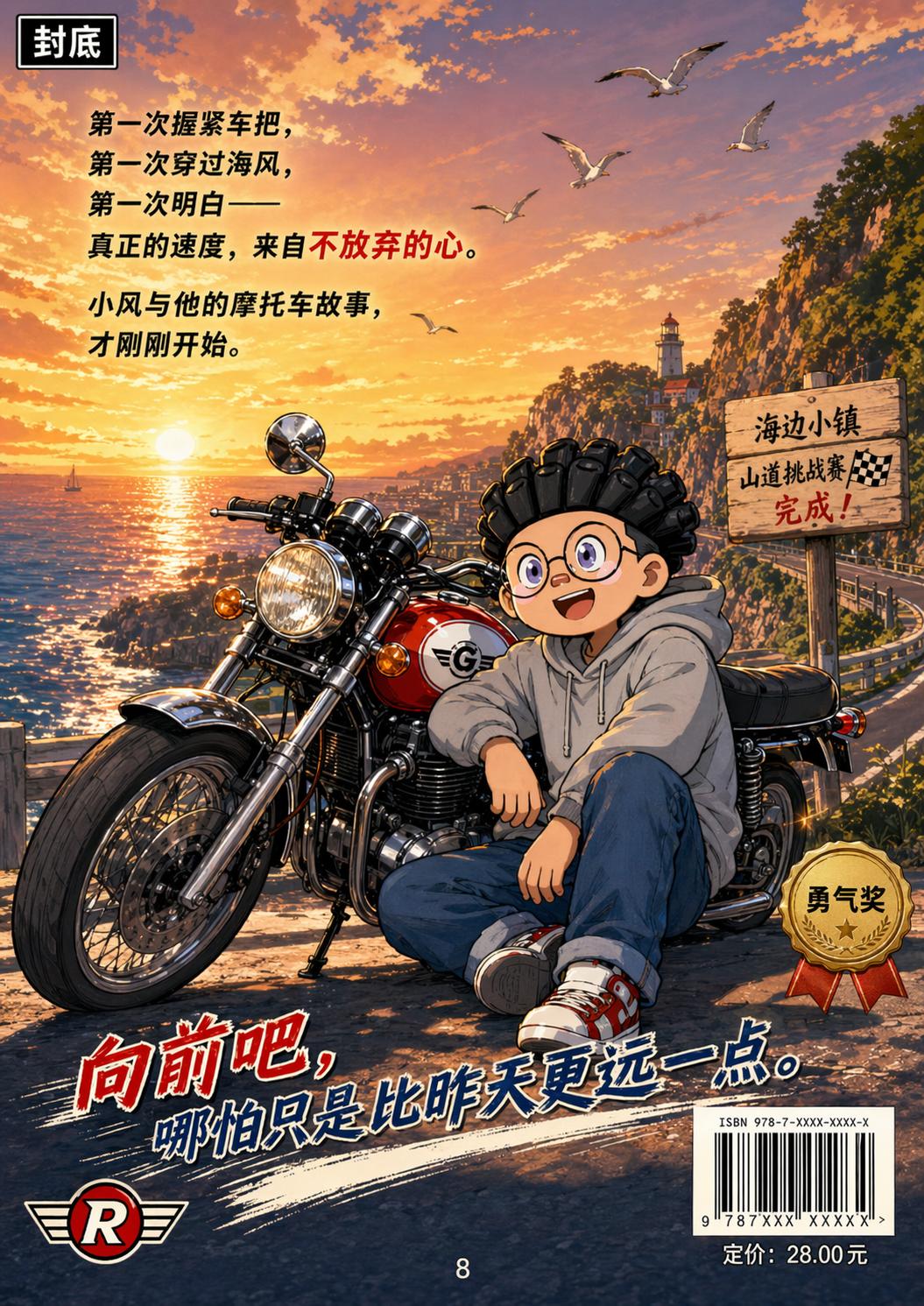
The Thinking Model was tested with a prompt to generate an eight-page comic themed around motorcycles, using the character from the provided image. After 11 minutes, Images 2.0 produced a cohesive set of images, maintaining stylistic and narrative consistency throughout.
Conclusion
The performance of Images 2.0 can be described as groundbreaking. Although the experience was limited due to usage caps for ChatGPT Plus users, the potential of Images 2.0 extends beyond what was demonstrated. OpenAI highlighted its capabilities to write on a grain of rice and generate 360-degree panoramic photos.
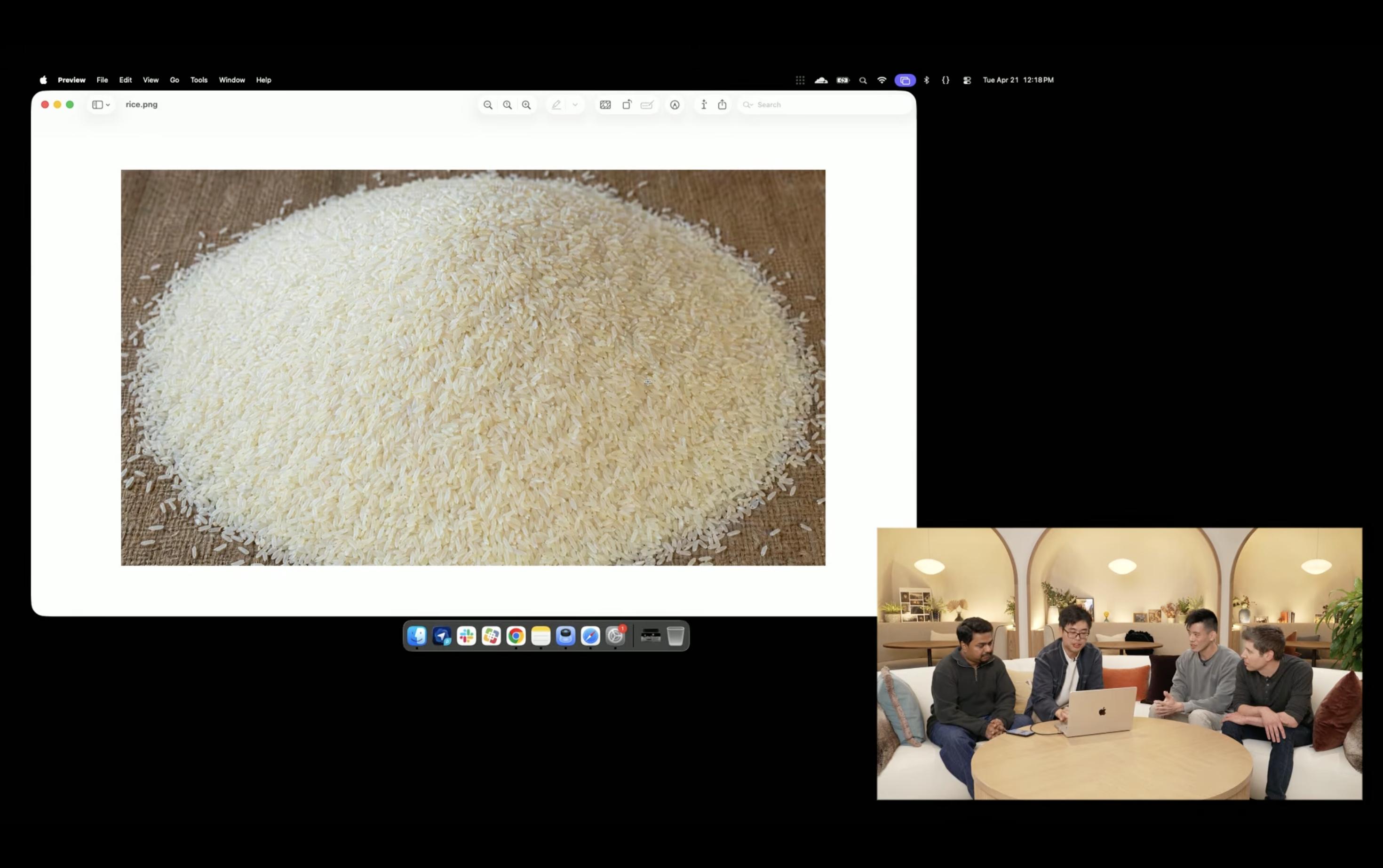
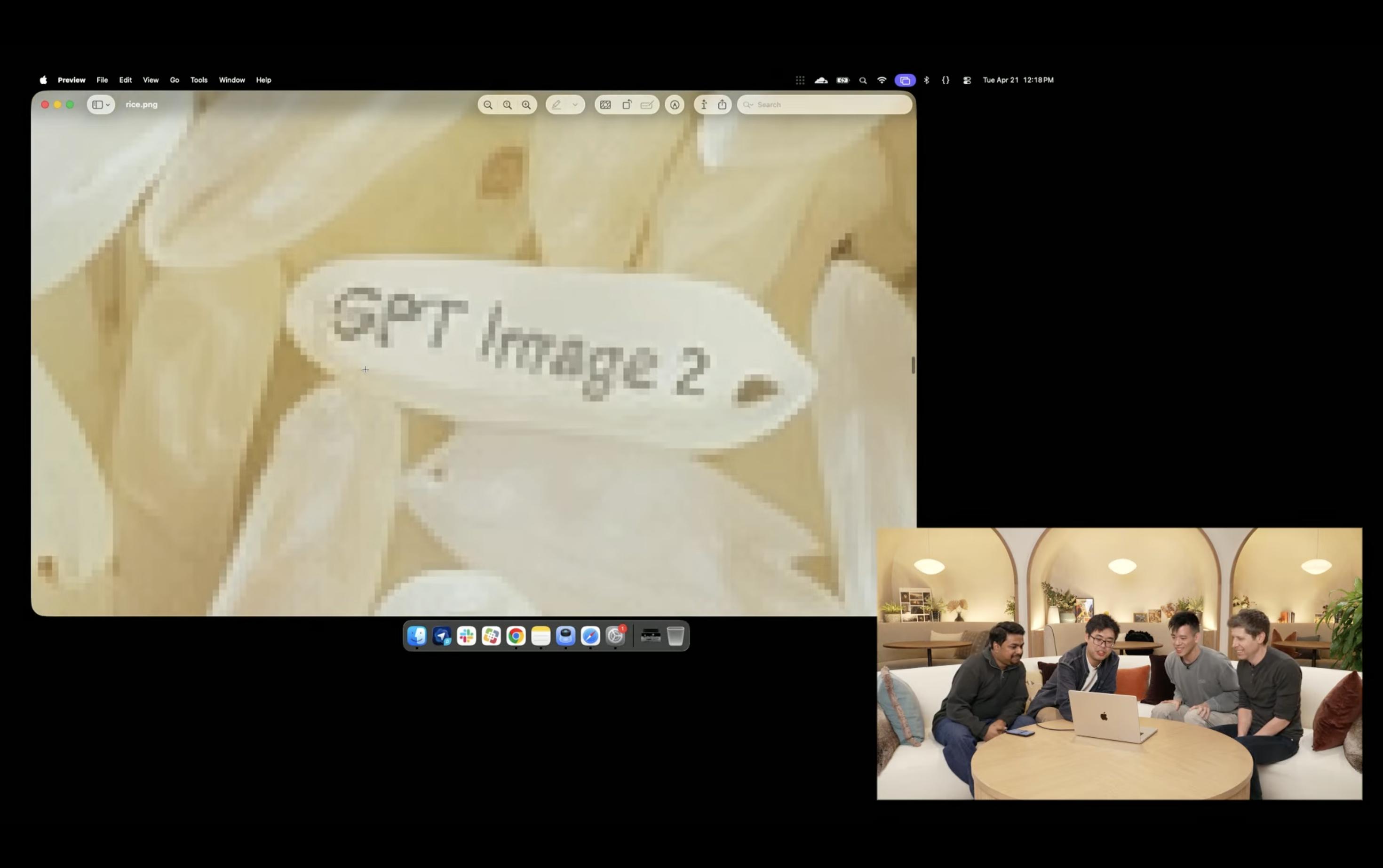
The advent of Images 2.0 signifies the end of the era where AI image generation relied on vague prompts. With its reasoning abilities, AI can now understand complex instructions and produce coherent outputs, addressing common issues in AI-generated art.
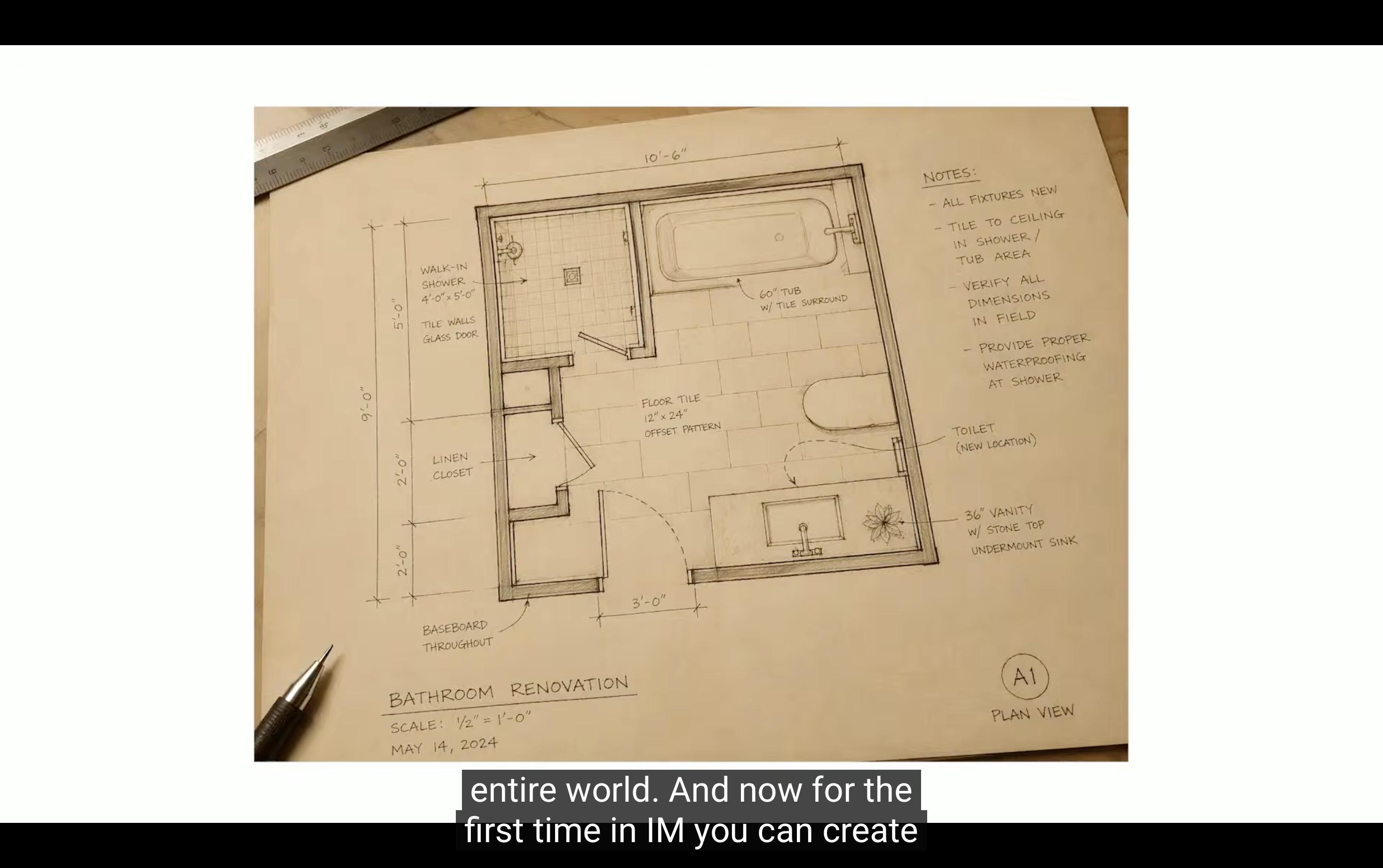
The impact of Images 2.0 on the fields of art and photography is profound, as it demonstrates that reasoning capability is the core competitive edge in AI image generation, rather than just resolution.
As AI image technology advances, the next steps for competitors like Google and other domestic AI giants will be crucial.
Comments
Discussion is powered by Giscus (GitHub Discussions). Add
repo,repoID,category, andcategoryIDunder[params.comments.giscus]inhugo.tomlusing the values from the Giscus setup tool.