Essential Tools for Vibe Coding
Vibe Coding is gaining popularity, but many users feel something is off. Often, they dive straight into coding without proper skill setup, resulting in code that is either visually unappealing or logically flawed, leading to more rework than the initial coding time.
Today, I want to share five essential tools for Vibe Coding, including four core Skills and one Context7 MCP. These tools cover key areas such as front-end design, visual standards, full-stack adaptation, AI programming correction, and the latest document retrieval. Each tool addresses core pain points in Vibe Coding, and once installed, you can say goodbye to ineffective efforts and see a noticeable improvement in code quality.
5 Essential Tools
These five tools are core configurations for Vibe Coding, featuring both core Skills from Claude and popular open-source tools along with the Context7 MCP. They address design, standards, behavioral correction, and document retrieval comprehensively. Here’s a streamlined overview of their core functions and installation methods:
1. Claude’s frontend-design: The “Savior” for Front-end Aesthetics
Core Function: Eliminates the “template feel” of AI-generated front-ends, establishing unified design standards covering fonts, colors, animations, and components, ensuring front-end code is both beautiful and maintainable.
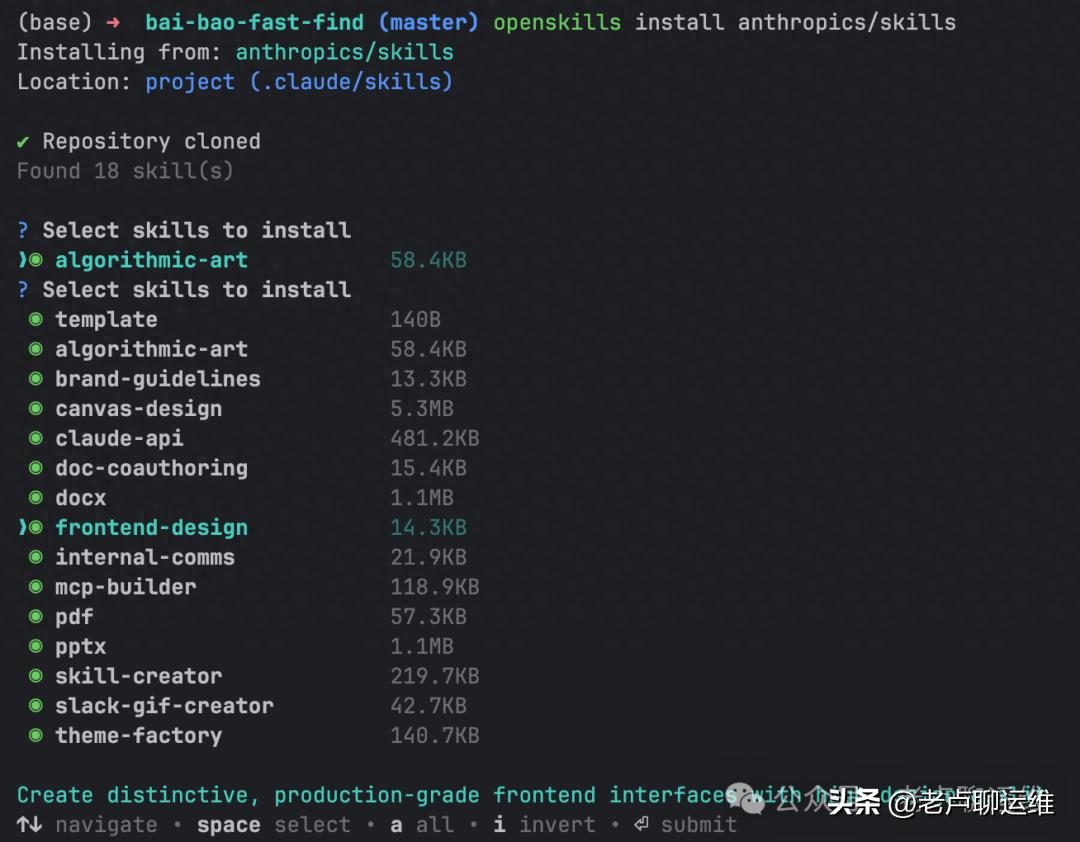
Installation: Install via openskills with the command:
openskills install anthropics/skills
Check frontend-design during installation.
2. Claude’s canvas-design: The “Anchor” for Visual Standards
Core Function: Generates a unified visual design philosophy, producing static visual assets (icons, posters, etc.) that adapt to projects, ensuring visual resources and code styles are consistent, reducing internal friction in team collaboration.
Installation: Similar to frontend-design, check canvas-design when installing anthropics/skills without additional configuration.
Reference Document:
https://zhuanlan.zhihu.com/p/1979612552804713312
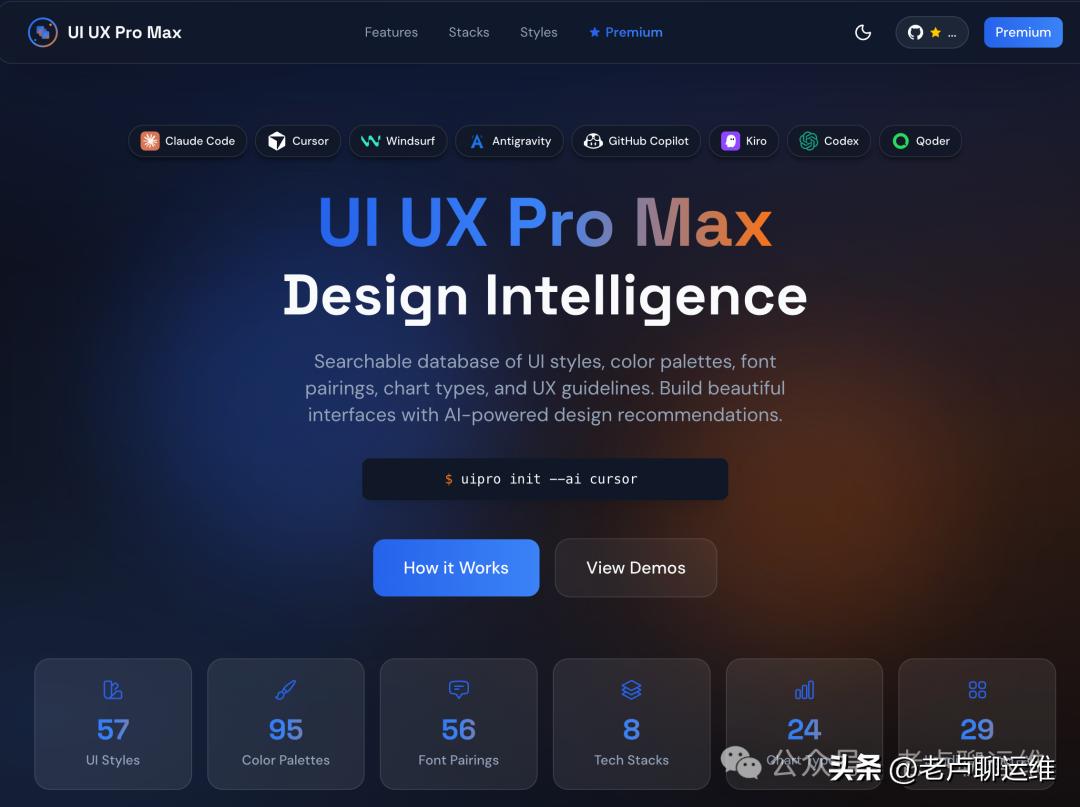
3. ui-ux-pro-max-skill: The “Engine” for Full-stack Design Systems
Core Function: Automatically generates a complete design system adaptable to over 15 mainstream tech stacks, supporting cross-platform specifications for web and mobile, providing component templates and anti-pattern checks to solve issues of poor component reuse and adaptation difficulties.
Official Document:
https://github.com/nextlevelbuilder/ui-ux-pro-max-skill
4. andrej-karpathy-skills: The “Corrector” for AI Programming Behavior
Core Function: Based on Karpathy’s programming principles, it corrects issues like AI over-design, redundant comments, and ignoring constraints, enforcing concise coding and test-driven development, enhancing code readability and reliability from the source.
Installation: Claude code can follow the official documentation; other programming tools can directly ask the corresponding AI for installation, like Codex:
Official Document:
https://github.com/forrestchang/andrej-karpathy-skills
5. Context7 MCP: The “Guardian” of Code Usability
Pain Point: AI-generated code during Vibe Coding often relies on outdated training data, leading to hallucinated APIs and version mismatches, requiring frequent tab switching to check the latest documentation, which is time-consuming and error-prone.
Core Function: Automatically pulls the latest, version-specific technical documentation and code examples, integrating them directly into prompts without needing to switch tabs, avoiding outdated code and non-existent APIs. Just add use context7 in the prompt to generate usable code compatible with various mainstream editors.
Official Document:
https://github.com/upstash/context7
The Key to Efficient Vibe Coding
For Vibe Coding, these five tools are not optional configurations but essential supports for enhancing code quality and eliminating ineffective rework. They each focus on different aspects and work synergistically to solve design challenges in front-end aesthetics, visual standards, and full-stack adaptation, correct poor AI programming habits, and ensure code usability through the latest document retrieval, making Vibe Coding both efficient and professional.
No complex learning or configuration is needed; installation can be completed in five minutes, making programming hassle-free afterward. I recommend all programmers engaged in Vibe Coding to implement these tools, bookmark this article, and install as needed to easily produce high-quality, aesthetically pleasing, and standardized code.

Comments
Discussion is powered by Giscus (GitHub Discussions). Add
repo,repoID,category, andcategoryIDunder[params.comments.giscus]inhugo.tomlusing the values from the Giscus setup tool.